FREE TOOL · Make room today
Choose a Phone Boundary Before Quiet Time
Create a simple environment plan based on whether the phone is needed for the reading and how reachable you need to remain.
Decide what the phone is for before you pick it up.
Use the free tool ↓No sign-up · print or copy your result · no app required
MAKE IT FIT YOUR SITUATION
Your starting point
The filled fields are editable examples. Use initials and broad labels when possible.
EXAMPLE RESULT · EDIT THE FIELDS TO MAKE IT YOURS
Your phone boundary
Reading setup
- Open the intended passage first, then keep that reading resource on screen.
Contact access
- Choose a brief contact boundary that suits your circumstances; change any device setting yourself.
One focus action
- Choose an appropriate notification boundary before beginning, preserving the contact access you need.
What this page does
- It provides a plan only; it does not change notification settings or block apps.
- No app-blocking capability is attributed to FORGED.
A USEFUL WAY TO BEGIN
How to use this today
- Choose the reading device.
- Protect whatever contact access your situation needs.
- Set one boundary and begin with one reading resource.
Start with one real situation. Review the result before using it, keep what is helpful and change what does not fit. The tool works with the details you enter; it does not know the people or circumstances behind them.
Questions before you begin
Does this change my notification settings?
No. It provides a plan; you control any device settings yourself.
Does FORGED block other apps?
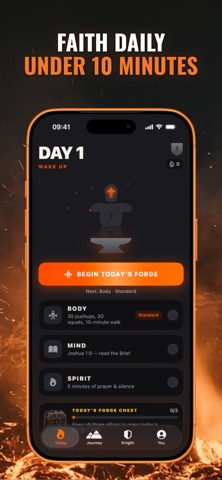
No app-blocking claim is made here. The companion app provides Scripture, practical challenges and quiet prayer, with free starting resources and optional paid content.